
More Strategy, Less Admin
Making Scheduling Easier, Reporting Clearer, and Workflows Smoother
Over the coming weeks, we’re rolling out several highly requested updates to the Digital Experience Platform (DXP) and Marketing Communications Platform (MCP).
These enhancements are designed to remove friction, reduce manual work, and give you clearer visibility into performance so that you can focus more on strategy and less on admin.
| Site Time Zones (MCP & DXP) |
|---|
|
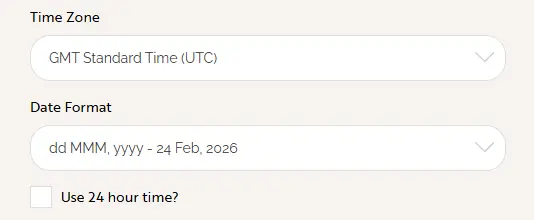
To start us off, we're happy to report that we’re shifting from UTC to your Site’s Local Time Zone across the MCP and DXP! There is nothing you need to do, but if you're curious, you'll find your site's Time Zone settings under CMS > Settings.
What this means for you:
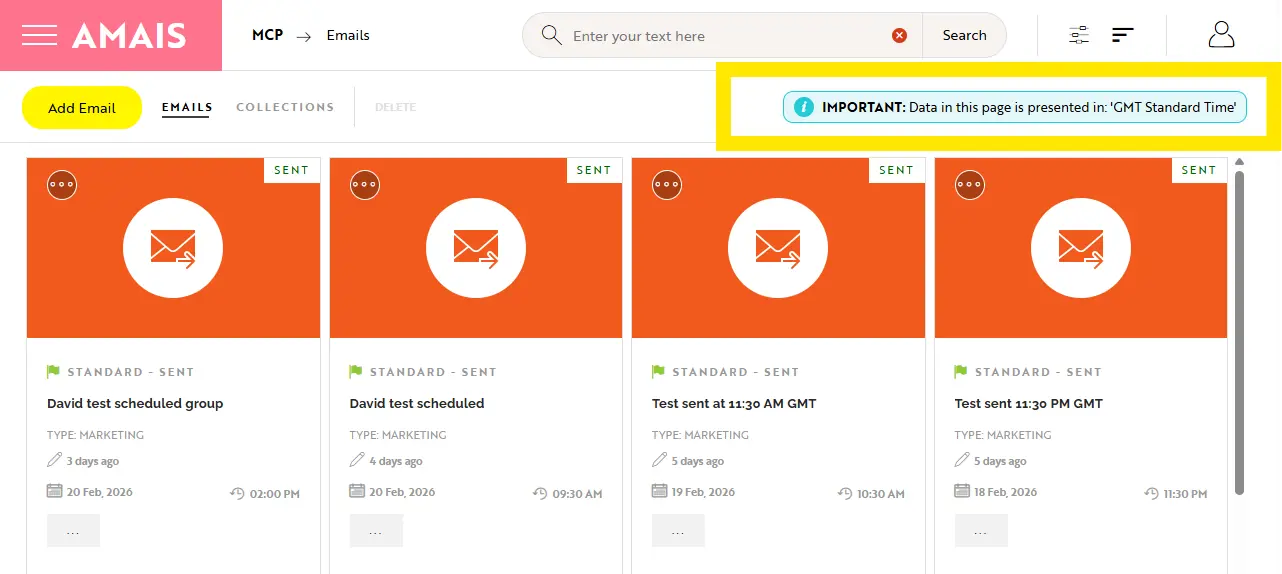
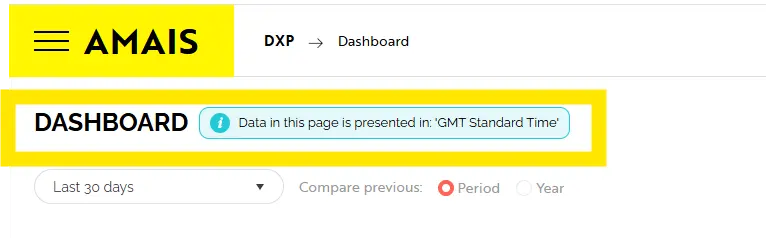
Just a heads up, when this update goes live on your site you’ll see an in-platform notification at the top of the MCP and DXP modules.
|
| Extended Email Scheduling (MCP) |
|
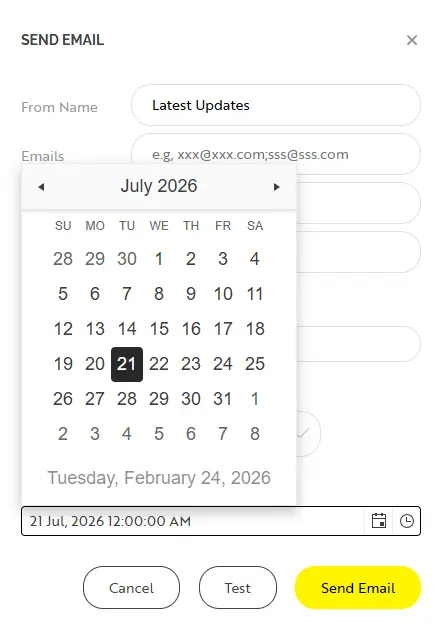
You asked — we listened. To better support planning ahead (especially around holidays and breaks), we’ve significantly extended your scheduling window. New capability:
Need to make a change? Simply unschedule, edit, and then re-schedule for your desired date. More flexibility. Less last-minute pressure. |
| Smarter Year-over-Year Comparisons (DXP) |
|
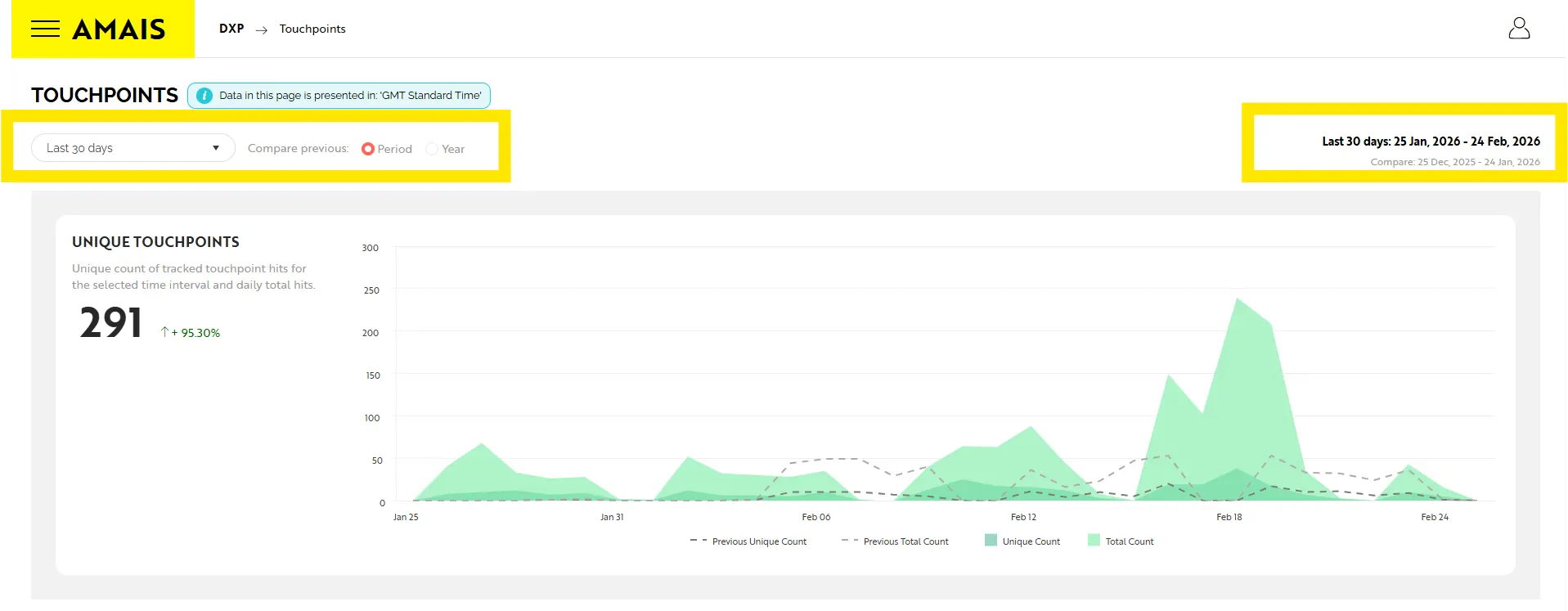
Context matters. So we’ve enhanced reporting to help you better understand performance trends. New comparison options: Toggle between:
Improved visual clarity:
Even better:Your selected date range now sticks. If you set a range on the Dashboard and navigate to Touchpoints, Conversions, or Personas, your selection follows you — no more resetting filters.
|
| Bug Fixes & Small Improvements |
|
And lastly, a few behind-the-scenes enhancements to make daily work smoother:
|
|
|
FAQs
| WHEN WILL THESE UPDATES BE LIVE ON MY SITE? |
|---|
| After final validation in staging, we’ll begin rolling this out to live sites in phases over the coming weeks. Your Experience Director will confirm once it’s live. |
| WILL THIS IMPACT ANY SCHEDULED EMAILS? |
| No. Any emails scheduled prior to the timezone update will send at their originally intended times. |
| DO I NEED TO UPDATE ANY SETTINGS OR CONFIGURATIONS? |
| No action is required. These enhancements will apply automatically once released to your live environment. |
Additional Resources
For details on UTC timing and scheduling your emails, see our MCP Email Introduction.
Discover more


ONGOING SUPPORT
Need help with anything else?
If you can’t find the answer you’re looking for in our Knowledge Base, there are three ways you can get support: